These can be viewed and downloaded for the individual parts on the OKW website.
Select your preferred enclosure and/or tuning knob.
The material for the preferred product is already displayed on the product selection lists. Click on the information link (ABS, ASA, PC, etc.) for a specific product; a pop-up window will appear – click on the PDF link for material specifications.
Alternatively, go to the individual product page (the product number is the link).
Scroll down to the ‘Technical Data’ tab. Click on one or more links (e.g. ASA) in the ‘Material’ section to download PDF files.
Need help choosing the right material?
If you are still unsure which material is suitable for your specific application, we have prepared an overview with technical information (.pdf) for you. Click the following link: Material selection / Plastic properties / Recommendations for the use
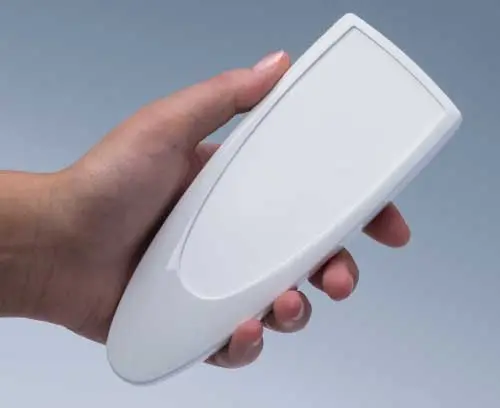
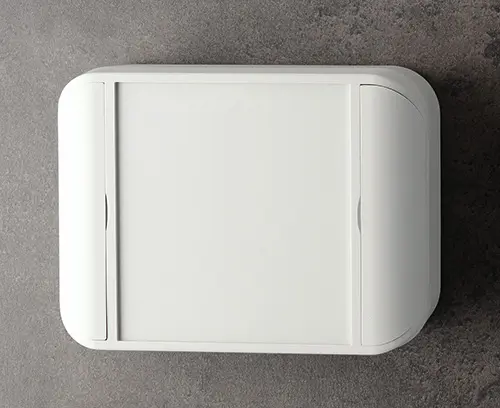
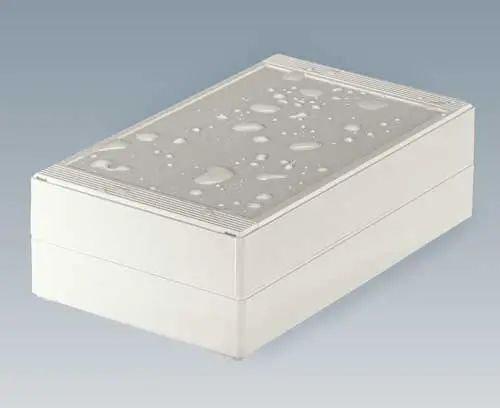
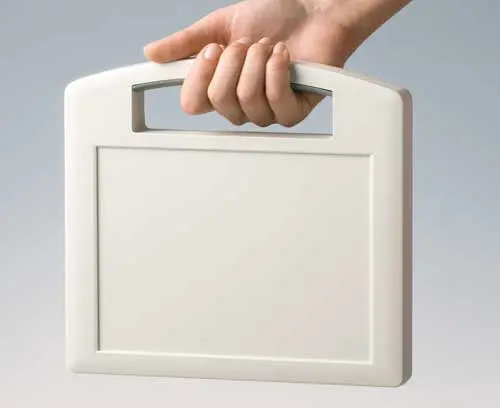
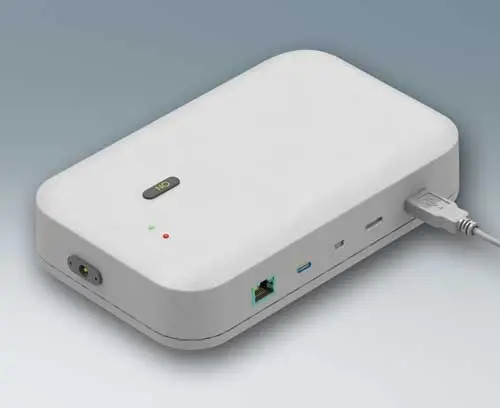
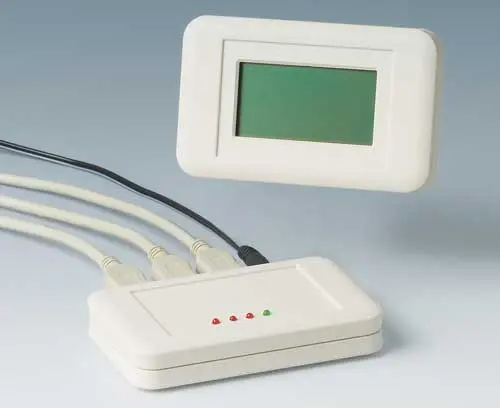
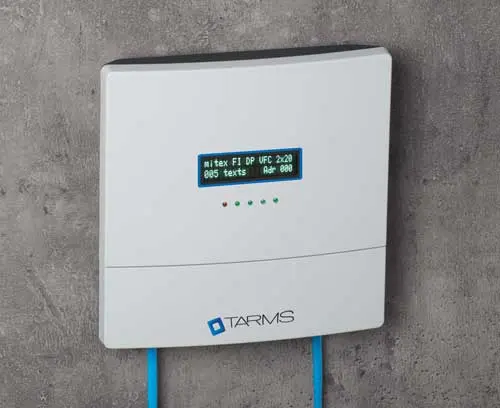
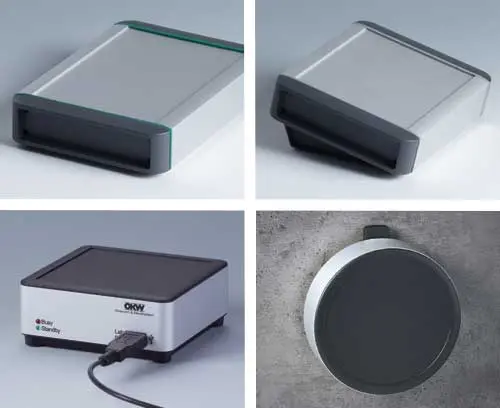
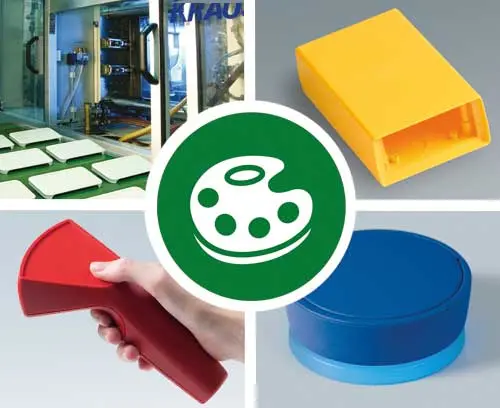
OKW offers its enclosure systems in a carefully coordinated range of standard colours. Depending on the product series, classic shades such as light grey, anthracite grey, black and off-white are available, while newer series also include traffic white. The selection of standard colours varies according to the enclosure range.
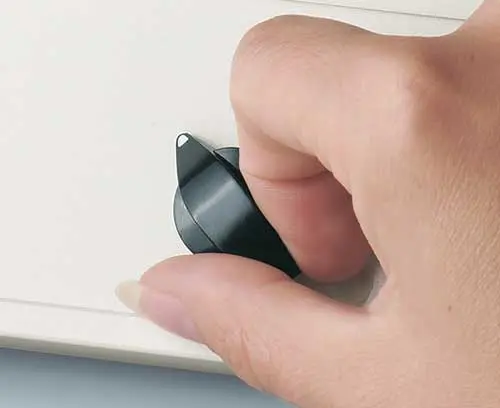
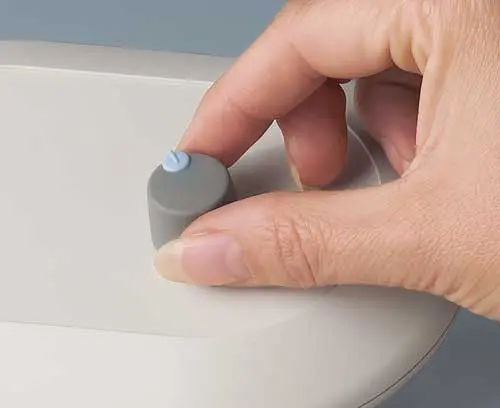
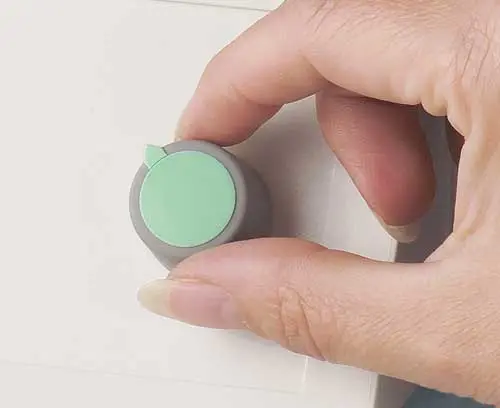
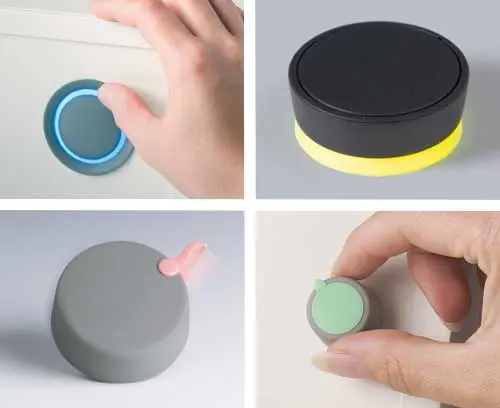
Tuning knobs are generally available in black and volcano (medium grey). To complement these control elements, matching marking inserts are offered in a variety of colours, enabling a consistent and professional appearance.
For projects with specific design requirements, special colours can be supplied on request based on samples, colour charts, RAL or Pantone references. This makes it possible to adapt enclosures precisely to a corporate design scheme, existing equipment or the intended operating environment.
Overview of enclosure colours (.pdf) >> | Overview of tuning knobs colours (.pdf) >>
Below you will find a selection of frequently asked questions and answers relating to colours and their applications. If your question is not covered, or if you would like further information, please contact us directly. Our sales team will be pleased to assist you.
Is dust more noticeable on black enclosures?
Dust, lint and other light-coloured particles are generally more visible on black or very dark enclosures than on light grey or white ones due to the greater contrast. This effect can be particularly noticeable on matt black surfaces. However, in clean environments, black enclosures are often preferred for their elegant, premium appearance and modern aesthetic.
Are dark colours less prone to showing dirt?
That depends on the type of dirt. Dark colours tend to conceal everyday signs of wear, scuffs and discolouration better than lighter surfaces. However, dust, limescale and fingerprints are often more noticeable on dark enclosures. Light colours are therefore frequently considered a practical compromise, offering both a clean appearance and easy maintenance.
How prone are enclosures to fingerprints?
The visibility of fingerprints depends not only on the colour but also on the surface finish and lighting conditions. Smooth, glossy surfaces tend to show skin oils more readily than matt or finely textured finishes. Many OKW enclosures feature high-quality textured surfaces that help reduce the visibility of fingerprints and minor signs of wear, maintaining an attractive appearance for longer.
Does the enclosure colour match my devices or surroundings?
The choice of colour plays an important role in a product’s overall appearance. Light-coloured enclosures are often perceived as clean, technical and unobtrusive, while darker colours tend to create a modern, premium and professional impression. Carefully selected colour combinations can further enhance this effect, helping to highlight key functions and design features.
The ideal colour choice depends on the application, corporate design and the intended perception of the product.
What are the characteristics of matt and glossy finishes?
Matt finishes offer a subtle, premium appearance and help to reduce reflections and glare. They also tend to conceal minor scratches and everyday signs of wear more effectively.
Glossy finishes, on the other hand, create a particularly elegant and high-quality look, but are generally more likely to show fingerprints, dust and fine surface scratches.
Are individual plastic parts also available with a metallic finish?
For selected applications, plastic parts can be provided with a metallic finish through special coatings or surface treatments. This creates the look and feel of metal while preserving the benefits of a plastic enclosure, including low weight, design flexibility and cost-effective manufacturing.
Are there any current colour trends?
Timeless colours such as black, white and various shades of grey continue to dominate many industrial applications. At the same time, warm greys, anthracite tones and custom corporate colours are increasingly being used to help products stand out visually. In medical technology and laboratory equipment, light and welcoming colours remain particularly popular.
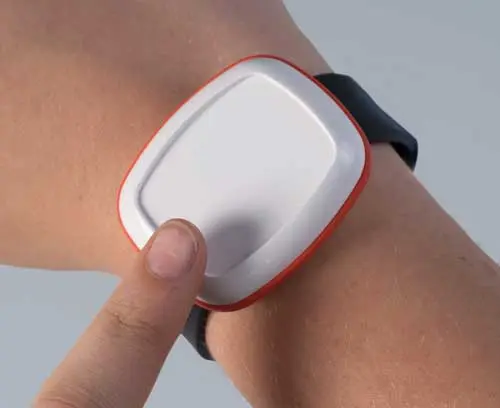
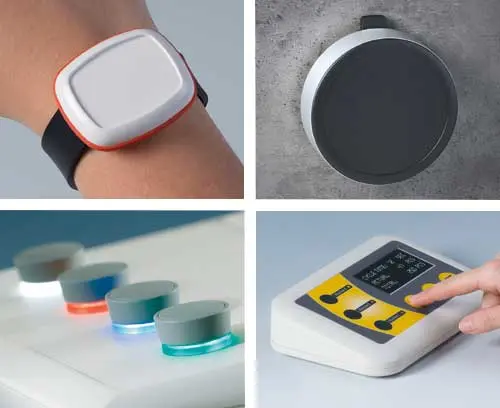
Selected trend colours are also becoming more widely available for custom housing and control element combinations, adding a sense of freshness and individuality. Examples include the MINITEC and BODY-CASE wearable enclosure ranges, which feature distinctive coloured spacer rings.
Are the enclosures also available in my preferred colour?
In addition to the standard colours supplied as standard, many OKW enclosures can also be supplied in custom colours on request. The options available depend on the specific product range, the plastic material used, the desired finish and the required quantity. Click on the topic of interest to learn more about custom manufacturing in your chosen colours, as well as the available options for paint finishes.
Is there an extra charge for a custom colour?
Special colours are available at an additional cost. The surcharge depends on several factors, including the material, colour specification, order quantity and associated production requirements.
Looking for more information? Below you will find further reading on the topic of ‘Colour and housings/Tuning knobs’ in our blog:




 Accessories for enclosures